Computers, networks, and safe use
Students start the year learning how computers and the internet actually work behind the scenes. They troubleshoot common problems, set up accounts safely, and learn how data travels between devices.
This is the year computer skills turn into real problem-solving. Students learn to write and test their own programs, breaking big problems into smaller steps a computer can handle. They work with real data, looking for patterns and using charts to back up what they claim. Students also weigh the trade-offs of technology in daily life, from privacy to who gets left out. By spring, they can build a working program or data project, explain how it runs, and discuss its impact on other people.
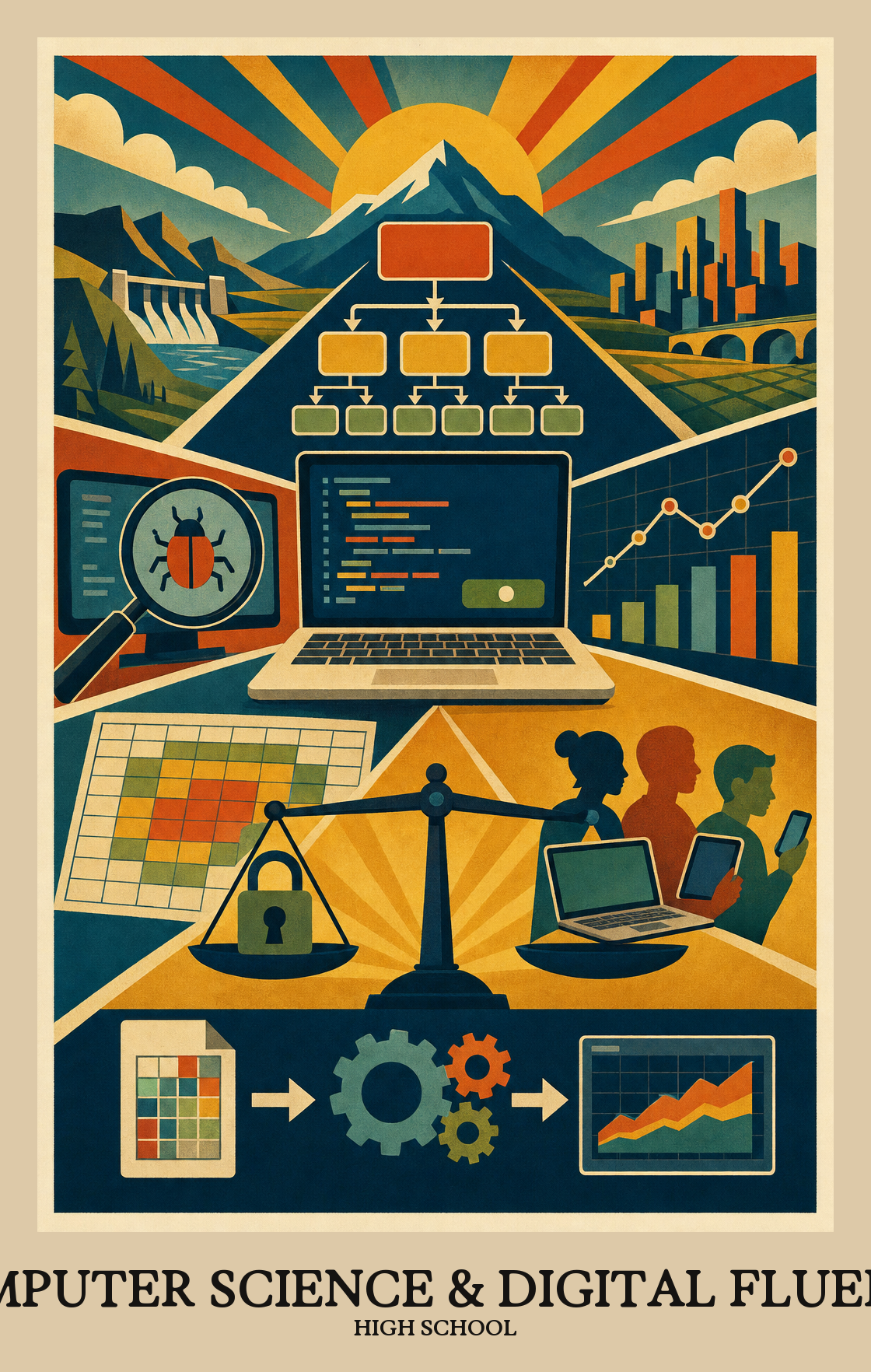
Students start the year learning how computers and the internet actually work behind the scenes. They troubleshoot common problems, set up accounts safely, and learn how data travels between devices.
Students break big problems into smaller steps and write simple programs to solve them. They practice reading code, fixing bugs, and explaining what a program does in plain language.
Students collect numbers and text from real sources, clean them up, and turn them into charts. They look for patterns and make claims they can back up with the data.
Students work in teams to design an app, game, simulation, or website. They plan it out, divide the work, test it with real users, and revise based on what they learn.
Students look at how technology shapes daily life, from privacy and security to bias in algorithms. They weigh tradeoffs and present their thinking with evidence.
Students learn to pick the right hardware and software for a job, then fix what's not working. This covers everything from choosing the right device to walking through basic troubleshooting steps when something breaks.
Students explain how computers connect and send information to each other, including how those connections let people share files, message each other, and keep data private while it travels.
Students gather raw data, clean it up, and display it in charts or tables. Then they use software tools to spot patterns and explain what the numbers actually mean.
Students write and test programs that solve real problems or automate repetitive tasks. They also study their own code to find what works, what breaks, and how to make it run better.
Students examine how technology shapes daily life, from privacy and data use to laws and global access. They look at real cases where software or devices changed how people work, communicate, or get treated.
| Standard | Definition | Code |
|---|---|---|
| Identify, select, and apply hardware, software High School | Students learn to pick the right hardware and software for a job, then fix what's not working. This covers everything from choosing the right device to walking through basic troubleshooting steps when something breaks. | DC-CSDF.C1.9-12 |
| Explain how computer networks and the Internet enable communication… High School | Students explain how computers connect and send information to each other, including how those connections let people share files, message each other, and keep data private while it travels. | DC-CSDF.C2.9-12 |
| Collect, transform, and represent data High School | Students gather raw data, clean it up, and display it in charts or tables. Then they use software tools to spot patterns and explain what the numbers actually mean. | DC-CSDF.C3.9-12 |
| Design, develop, and analyze algorithms and programs to solve problems… High School | Students write and test programs that solve real problems or automate repetitive tasks. They also study their own code to find what works, what breaks, and how to make it run better. | DC-CSDF.C4.9-12 |
| Investigate the social, ethical, legal High School | Students examine how technology shapes daily life, from privacy and data use to laws and global access. They look at real cases where software or devices changed how people work, communicate, or get treated. | DC-CSDF.C5.9-12 |
Students practice working with people who think and solve problems differently. That means listening across differences and building tech that considers people who are often left out.
Students work as a team to build something with code or technology: splitting up tasks, sharing ideas, and folding in each other's feedback until the final product comes together.
Students look at a real problem, decide whether a computer could help solve it, and break it into smaller pieces that are each easier to tackle. It's the same thinking behind any complex project, applied to code.
Students take a messy, real-world problem and strip it down to its essential parts so a solution can work across more than one situation. They use models, functions, or patterns to represent ideas without spelling out every detail.
Students build working programs or simulations by writing code, testing it, fixing what breaks, and repeating that cycle until the project does what they need it to do.
Students run planned tests on their programs or digital tools, then fix what breaks or confuses users. The goal is a product that works correctly and is easy for someone else to use.
Students explain how a program or algorithm works using accurate vocabulary, diagrams, or data. The goal is a clear explanation someone else could follow, not just a working result.
| Standard | Definition | Code |
|---|---|---|
| Foster an inclusive computing culture that values diverse perspectives and… High School | Students practice working with people who think and solve problems differently. That means listening across differences and building tech that considers people who are often left out. | DC-CSDF.P1.9-12 |
| Collaborate around computing — divide work, share ideas High School | Students work as a team to build something with code or technology: splitting up tasks, sharing ideas, and folding in each other's feedback until the final product comes together. | DC-CSDF.P2.9-12 |
| Identify and define problems that can be solved with computation and decompose… High School | Students look at a real problem, decide whether a computer could help solve it, and break it into smaller pieces that are each easier to tackle. It's the same thinking behind any complex project, applied to code. | DC-CSDF.P3.9-12 |
| Use abstractions to simplify complexity, generalise solutions High School | Students take a messy, real-world problem and strip it down to its essential parts so a solution can work across more than one situation. They use models, functions, or patterns to represent ideas without spelling out every detail. | DC-CSDF.P4.9-12 |
| Create computational artifacts — programs, simulations, models — by applying… High School | Students build working programs or simulations by writing code, testing it, fixing what breaks, and repeating that cycle until the project does what they need it to do. | DC-CSDF.P5.9-12 |
| Systematically test computational artifacts and refine them based on evidence… High School | Students run planned tests on their programs or digital tools, then fix what breaks or confuses users. The goal is a product that works correctly and is easy for someone else to use. | DC-CSDF.P6.9-12 |
| Communicate clearly with appropriate vocabulary, visualizations High School | Students explain how a program or algorithm works using accurate vocabulary, diagrams, or data. The goal is a clear explanation someone else could follow, not just a working result. | DC-CSDF.P7.9-12 |
Students learn how computers and networks work, how to write and debug code, and how to use data to answer real questions. They also look at the ethics and impact of technology on people. Most classes mix small projects with discussion and group work.
No. Most courses start with the basics of how a program is built and grow from there. At home, ask what a recent project was supposed to do and what went wrong before it worked. That single question gets students explaining their thinking, which is most of the learning.
Sit nearby and ask students to walk through the code one line at a time, out loud. When they hit a bug, ask what they expected to happen and what actually happened. Most debugging is just slowing down and reading carefully, and a non-coder is great at forcing that pace.
Start with hardware, networks, and a gentle on-ramp to programming in the first quarter so vocabulary is shared. Build out algorithms and data work in the middle two quarters, with ethics threaded throughout. Save the largest project for the final quarter, when students can pull from everything.
Loops and conditionals usually need a second pass, and so does anything involving variables changing over time. Data work trips students up when they have to clean messy input before analysing it. Building in short review cycles every few weeks beats one big review at the end.
No. Most coursework runs in a browser on any laptop or Chromebook made in the last several years. A reliable internet connection matters more than the machine. If the school provides a device, that is usually the best one to use for assignments.
Score the process, not just the finished artifact. Ask for a short write-up or demo where students explain the problem, the choices they made, and what they tested. A rubric with separate lines for problem definition, code quality, testing, and communication keeps grading consistent across very different projects.
By spring, students should be able to read a short program, predict what it does, and modify it to solve a slightly different problem. They should also be able to explain a project to someone outside the class in plain language. Both signal real understanding, not just finished assignments.
Treat AI like a calculator: useful, but only if students can explain every line. Ask them to talk through code without the screen, or to predict the output before running it. If they can do that, the tool is helping. If they cannot, the learning has been skipped.