Getting set up online safely
Students start the year thinking about what counts as personal information and how to protect it. They practice better typing habits and learn what to do when a device acts strangely or flags a security warning.
This is the year students stop using technology and start building with it. Students write small programs with reusable functions, debug code by reading it line by line, and clean up data sets to tell a clear story to an audience. Students also weigh real tradeoffs around privacy, online identity, and bias in the tools they use every day. By spring, a student can show a working program they wrote, point to a chart they made from data, and explain what personal information they protect online and why.
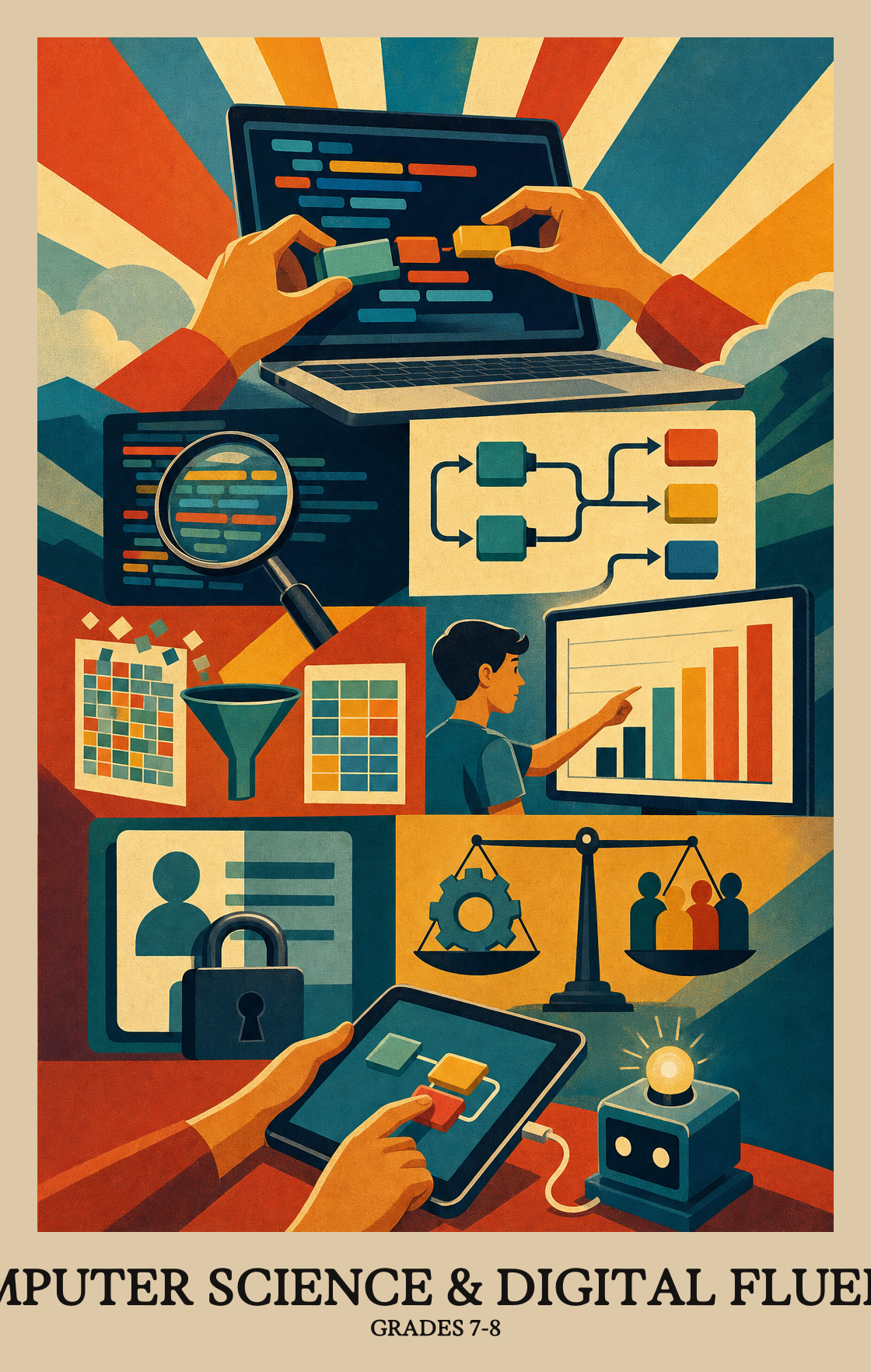
Students start the year thinking about what counts as personal information and how to protect it. They practice better typing habits and learn what to do when a device acts strangely or flags a security warning.
Students collect their own data, clean it up, and turn it into charts that make a point to an audience. They also compare simulations to see how changing the inputs changes what the results look like.
Students write longer programs that use variables, loops, and if-then choices. They read other people's code to predict what it will do, spot bugs, and pull repeated chunks into named functions that explain themselves.
Students plan a project that combines hardware and software, sketch a screen layout, and ask classmates to try it. They revise based on that feedback and keep notes on what changed and why.
Students look at how information moves between devices and where it is stored when it leaves the room. They troubleshoot common problems step by step instead of guessing.
Students weigh the trade-offs of everyday tech: who benefits, who gets left out, and how bias can sneak into a system. They look at laws around data, accessibility for different users, and careers that involve computing.
Students test two different simulations or computer models side by side, then explain how changing the starting data or assumptions shifts the results. The goal is to understand why two models can answer the same question differently.
Students gather real data, like survey answers or measurements, and use it inside a program or spreadsheet to produce a result, a chart, or a working model.
Students take a set of data and turn it into a chart or graph designed to make a clear point. They decide how to present the numbers so the audience sees what they want them to see.
Students write code where each function or procedure has a clear name that tells anyone reading it exactly what that chunk of code is supposed to do.
When the same steps repeat in a program with small differences, students rewrite that code as a single reusable block that accepts inputs to handle each variation.
Students write step-by-step instructions that tell a computer how to complete a task, then test and improve those instructions until they work better.
A variable is a labeled container in code that holds a value and updates as the program runs. Students write or modify a program where at least one variable tracks something that changes, like a score, a count, or a name.
Students write or remix a program that uses loops, conditions, or similar controls together to make something work or create something new.
Students read through a short program and figure out what it will do before it runs, then use that prediction to spot and fix errors. The focus is on code that makes decisions or repeats steps.
Students design something on a computer, then improve it based on what users say they want. They keep notes on each round of changes so they can show how the project evolved over time.
Students identify which personal details and online accounts need to stay private, such as passwords, location data, and payment information, and think through who or what might put those things at risk.
Students learn the difference between physical locks, software settings, and everyday habits that keep devices and data safe, then practice matching the right safeguard to the right situation.
Security safeguards involve real trade-offs. Students look at choices like passwords, filters, or encryption and explain what each one protects against and what it costs in convenience, speed, or access.
Cryptography (scrambling data to keep it private) is not foolproof. Students explain why encryption can fail or be cracked, and what that means for keeping information safe.
Students learn what to do when a phone, computer, or app sends a security warning or starts acting strangely. That includes steps to take before a problem hits, like keeping software updated, and what to do after, like changing passwords or reporting the issue.
Students practice typing on a keyboard with the right hand position and posture, working toward faster, more accurate keyboarding over time.
Students use shared digital tools, like a shared document or slide deck, to build something together with classmates and revise it based on each other's feedback.
Students learn to pick the right search tool for the job, not just default to one search engine, and judge whether the results it returns are actually useful and trustworthy.
Students pick the right app or tool to build something digital, like a slide deck, video, or website, then improve and share it.
Students use what they already know about one tool or app to figure out how a new one works, instead of starting from scratch every time something changes.
Once something is posted online, it can be copied, shared, and stored by others, often permanently. Students learn why what they post shapes how others see them and how it can affect their privacy for years to come.
Students learn what respectful, safe behavior online looks like and practice recognizing when something crosses the line. They also learn specific steps to handle cyberbullying, harassment, or other harmful situations.
Students look at how a technology (like social media or a fitness tracker) helps people in some ways and causes problems in others, then explain the tradeoffs.
Students look at a real law (like a privacy rule or copyright protection) and explain how it shapes what engineers can build or what people can do online.
Students look at real news stories or everyday tech situations and name the ethical questions they raise, such as who owns personal data or whether an algorithm treats people fairly.
Students learn to spot the difference between public and private data and talk through real issues that come up when companies or apps collect it, like who can see it and how it gets used.
Students look at who built a computer system and what data it was trained on, then ask whose needs might get ignored or who might get treated unfairly as a result.
Students look at an app or device and judge how well it works for people with different needs, like someone who can't hear audio or needs larger text to read the screen.
Students look at real jobs in computer science, from writing software to designing networks, and learn what those roles actually involve day to day.
Students sketch or prototype a screen layout, then check whether it's easy to use, works for people with disabilities, and looks appealing enough that someone would actually want to use it.
Students plan and build a project that uses both physical parts (like a circuit or sensor) and the code that controls them. The two pieces have to work together to do something useful.
When a device, app, or connection stops working, students follow a step-by-step process to figure out what went wrong and fix it, rather than guessing at random.
Students map out rules for how data travels from one device to another across a network with multiple stops. Think of it like writing the directions a package must follow to reach the right address when several routes are possible.
Students learn how files and information saved on a distant computer or server travel back to their device over a network. Think of it as borrowing a book from a library you never visit in person.
| Standard | Definition | Code |
|---|---|---|
| Comparing models by changing the inputs Grades 7-8 | Students test two different simulations or computer models side by side, then explain how changing the starting data or assumptions shifts the results. The goal is to understand why two models can answer the same question differently. | 7-8.CT.1 |
| Collect and use data in a project Grades 7-8 | Students gather real data, like survey answers or measurements, and use it inside a program or spreadsheet to produce a result, a chart, or a working model. | 7-8.CT.2 |
| Turning data into a persuasive chart Grades 7-8 | Students take a set of data and turn it into a chart or graph designed to make a clear point. They decide how to present the numbers so the audience sees what they want them to see. | 7-8.CT.3 |
| Writing clear, readable code Grades 7-8 | Students write code where each function or procedure has a clear name that tells anyone reading it exactly what that chunk of code is supposed to do. | 7-8.CT.4 |
| Writing functions with parameters Grades 7-8 | When the same steps repeat in a program with small differences, students rewrite that code as a single reusable block that accepts inputs to handle each variation. | 7-8.CT.5 |
| Designing and improving algorithms Grades 7-8 | Students write step-by-step instructions that tell a computer how to complete a task, then test and improve those instructions until they work better. | 7-8.CT.6 |
| Variables that store and update information Grades 7-8 | A variable is a labeled container in code that holds a value and updates as the program runs. Students write or modify a program where at least one variable tracks something that changes, like a score, a count, or a name. | 7-8.CT.7 |
| Combine loops and logic to build a program Grades 7-8 | Students write or remix a program that uses loops, conditions, or similar controls together to make something work or create something new. | 7-8.CT.8 |
| Reading code to find and fix bugs Grades 7-8 | Students read through a short program and figure out what it will do before it runs, then use that prediction to spot and fix errors. The focus is on code that makes decisions or repeats steps. | 7-8.CT.9 |
| Improve your app based on user feedback Grades 7-8 | Students design something on a computer, then improve it based on what users say they want. They keep notes on each round of changes so they can show how the project evolved over time. | 7-8.CT.10 |
| Personal information worth protecting online Grades 7-8 | Students identify which personal details and online accounts need to stay private, such as passwords, location data, and payment information, and think through who or what might put those things at risk. | 7-8.CY.1 |
| Ways to stay safe online and offline Grades 7-8 | Students learn the difference between physical locks, software settings, and everyday habits that keep devices and data safe, then practice matching the right safeguard to the right situation. | 7-8.CY.2 |
| Security safeguard trade-offs Grades 7-8 | Security safeguards involve real trade-offs. Students look at choices like passwords, filters, or encryption and explain what each one protects against and what it costs in convenience, speed, or access. | 7-8.CY.3 |
| Limits of encryption Grades 7-8 | Cryptography (scrambling data to keep it private) is not foolproof. Students explain why encryption can fail or be cracked, and what that means for keeping information safe. | 7-8.CY.4 |
| What to do when your device gets hacked Grades 7-8 | Students learn what to do when a phone, computer, or app sends a security warning or starts acting strangely. That includes steps to take before a problem hits, like keeping software updated, and what to do after, like changing passwords or reporting the issue. | 7-8.CY.5 |
| Typing faster with proper hand position Grades 7-8 | Students practice typing on a keyboard with the right hand position and posture, working toward faster, more accurate keyboarding over time. | 7-8.DL.1 |
| Working together with digital tools Grades 7-8 | Students use shared digital tools, like a shared document or slide deck, to build something together with classmates and revise it based on each other's feedback. | 7-8.DL.2 |
| Picking the right search tool Grades 7-8 | Students learn to pick the right search tool for the job, not just default to one search engine, and judge whether the results it returns are actually useful and trustworthy. | 7-8.DL.3 |
| Create and publish digital work Grades 7-8 | Students pick the right app or tool to build something digital, like a slide deck, video, or website, then improve and share it. | 7-8.DL.4 |
| Using what you know to learn new tech Grades 7-8 | Students use what they already know about one tool or app to figure out how a new one works, instead of starting from scratch every time something changes. | 7-8.DL.5 |
| What you post online stays online Grades 7-8 | Once something is posted online, it can be copied, shared, and stored by others, often permanently. Students learn why what they post shapes how others see them and how it can affect their privacy for years to come. | 7-8.DL.6 |
| Staying safe and kind online Grades 7-8 | Students learn what respectful, safe behavior online looks like and practice recognizing when something crosses the line. They also learn specific steps to handle cyberbullying, harassment, or other harmful situations. | 7-8.DL.7 |
| Tradeoffs of computing technology on society Grades 7-8 | Students look at how a technology (like social media or a fitness tracker) helps people in some ways and causes problems in others, then explain the tradeoffs. | 7-8.IC.1 |
| Laws that shape how technology works Grades 7-8 | Students look at a real law (like a privacy rule or copyright protection) and explain how it shapes what engineers can build or what people can do online. | 7-8.IC.2 |
| Ethics in computing and current events Grades 7-8 | Students look at real news stories or everyday tech situations and name the ethical questions they raise, such as who owns personal data or whether an algorithm treats people fairly. | 7-8.IC.3 |
| Public and private data issues Grades 7-8 | Students learn to spot the difference between public and private data and talk through real issues that come up when companies or apps collect it, like who can see it and how it gets used. | 7-8.IC.4 |
| Bias in computer systems and who it harms Grades 7-8 | Students look at who built a computer system and what data it was trained on, then ask whose needs might get ignored or who might get treated unfairly as a result. | 7-8.IC.5 |
| Checking apps for accessibility Grades 7-8 | Students look at an app or device and judge how well it works for people with different needs, like someone who can't hear audio or needs larger text to read the screen. | 7-8.IC.6 |
| Careers in computer science Grades 7-8 | Students look at real jobs in computer science, from writing software to designing networks, and learn what those roles actually involve day to day. | 7-8.IC.7 |
| Designing apps people can actually use Grades 7-8 | Students sketch or prototype a screen layout, then check whether it's easy to use, works for people with disabilities, and looks appealing enough that someone would actually want to use it. | 7-8.NSD.1 |
| Building with hardware and software Grades 7-8 | Students plan and build a project that uses both physical parts (like a circuit or sensor) and the code that controls them. The two pieces have to work together to do something useful. | 7-8.NSD.2 |
| Fixing problems with computers step by step Grades 7-8 | When a device, app, or connection stops working, students follow a step-by-step process to figure out what went wrong and fix it, rather than guessing at random. | 7-8.NSD.3 |
| Sending data across a network Grades 7-8 | Students map out rules for how data travels from one device to another across a network with multiple stops. Think of it like writing the directions a package must follow to reach the right address when several routes are possible. | 7-8.NSD.4 |
| How networks store and retrieve data Grades 7-8 | Students learn how files and information saved on a distant computer or server travel back to their device over a network. Think of it as borrowing a book from a library you never visit in person. | 7-8.NSD.5 |
Students write small programs, work with real data, and think about how technology affects people. They build projects that mix code and design, like a simple app or a game. They also talk about privacy, online safety, and how data gets collected.
No. Most of the work starts from scratch with block-based or beginner-friendly tools. Students who like puzzles, drawing, or building things often do well, even if math has been a struggle.
Sit next to the student and ask them to explain what each line does. If something breaks, ask what they expected to happen and what actually happened. That habit, called debugging, is half the skill.
Students learn that posts, photos, and account details can stick around for a long time. A good home conversation is reviewing the privacy settings on one app together and talking about what gets shared and with whom.
A common arc starts with keyboarding and digital citizenship, moves into variables and conditionals, then loops and functions, then a data project, then a longer build that combines hardware or design. Cybersecurity and ethics fit in alongside each unit rather than as a separate block.
Functions with parameters and tracing code by hand are the two big sticking points. Students often write working code but cannot predict what a loop or conditional will output. Short daily code-reading warmups help more than another lecture.
A student picks a problem, collects or chooses a small data set, writes a program with at least one function and one loop, and shows a clean interface. They can explain their design choices and point to a change they made after user feedback.
Score the process and the product separately. A rubric that looks at planning, working code, documentation, and response to feedback gives partial credit for students whose program runs but is simple, and for students whose program is ambitious but buggy.
Class time is spent making things and solving problems, not scrolling. Students write code, edit projects, and discuss how technology works. Asking a student to show a project is a good way to see the difference.
By spring, students should be comfortable writing a short program with variables, loops, and a function, and reading someone else's code well enough to find a bug. They should also be able to talk about why a website asks for certain data and what the trade-offs are.