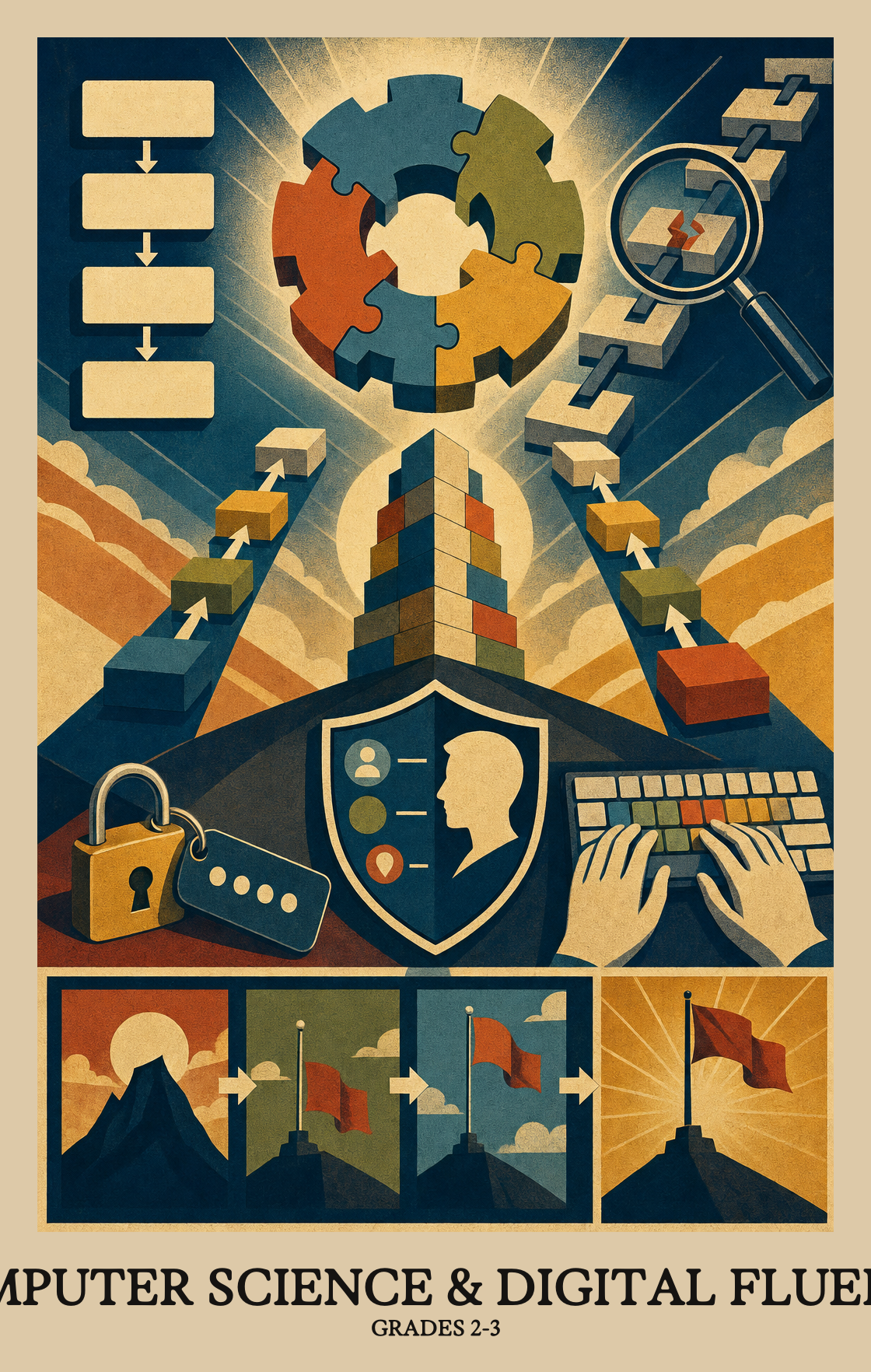
This is the stretch where students stop just using devices and start thinking like the people who build them. Students break a task into smaller steps, write more than one set of directions for the same job, and hunt down the step that broke when something goes wrong. They also learn what to keep private online, how to type with the right keys, and why a password matters. By spring, students can plan a short project, type it up, and explain a bug they fixed along the way.
How the year usually goes. Every school and district set their own curriculum, so treat this as a guide, not official pacing.
1
Getting around a computer
Students learn to find the main keys on a keyboard and type short pieces of text on their own. They also practice opening apps, saving work in the right place, and asking for help when something on the screen does not behave.
2
Staying safe online
Students sort out what should stay private and what is fine to share. They talk about strong habits with passwords and devices, and learn to flag anything unusual to a trusted adult.
3
Thinking like a programmer
Students break a task into smaller steps and write out more than one way to get the job done. They look for patterns, label the parts that stay the same and the parts that change, and fix steps that are out of order.
4
Working with data
Students notice the tools around them that collect information, from a weather app to a class tally. They show the same set of numbers in a few different ways, such as a chart and a picture, to tell a clearer story.
5
Creating and sharing online
Students use digital tools to make posters, slides, and short projects with classmates. They run simple keyword searches, talk about how information travels online, and practice being kind in shared spaces.
6
Computers in the world
Students look at how computers have changed daily life, from grocery checkout to maps. They talk about decisions a computer makes on its own, the rules people follow when using technology, and the many jobs that involve coding.
Mastery Learning Standards
The required skills a student should display by the end of Grade 2.
Students take a set of numbers or information and show it in more than one way, such as a bar graph and a picture chart, to help others understand what the data means.
Breaking a big problem into smaller steps can be done more than one way. Students practice spotting those different ways so they learn to plan before they start solving.
Students figure out which details actually matter for a task and which ones they can ignore. It's the same thinking behind following a recipe or giving directions: keep what's needed, cut what isn't.
Students write two different sets of step-by-step instructions to complete the same task, then compare how each one works. There is more than one right way to solve a problem.
Reading a set of instructions, students label the key pieces of information and decide whether each one stays the same every time or can change depending on the situation.
Students learn to spot the "if this happens, do that" moments inside a process. They decide which steps in a set of instructions should only run when a specific condition is true, like checking whether a number is even before dividing it in half.
Students find and fix mistakes in a set of step-by-step instructions or a repeating loop, figuring out where the steps went wrong and correcting them so the program works as intended.
Students break a project into clear steps and write those steps down before starting the work. This is the same skill behind a recipe or a to-do list: figure out what to do first, second, and last.
Students think through which details about themselves (like a home address or a phone number) should stay private and which are fine to share. They practice explaining why the difference matters.
Students sort everyday habits into two groups: ones that protect private information (like keeping passwords secret) and ones that put it at risk (like sharing a password with a friend).
Students explain why people sometimes share a device or app login, such as when a family uses the same tablet or a parent sets up an account for a child.
Students write a secret message by swapping letters or numbers for other symbols, then decode a classmate's message by reversing the same rules. It's a hands-on introduction to how computers scramble data to keep it private.
Students learn to spot when a device or app is acting strangely, like showing unexpected messages or slowing down for no reason, and know to tell a trusted adult instead of clicking through it.
Students use apps, shared documents, or messaging tools to swap ideas and work on something together. Think of it as the digital version of passing notes, except the notes actually help get the work done.
Students type a word or short phrase into a search engine to find information on a topic they choose. The goal is picking words specific enough to get useful results.
Students pick the right app or program to build something digital, like a drawing, a slideshow, or a short video. The focus is on choosing the right tool for the job, not just using whatever is nearby.
Students name specific ways information travels online, like posting a photo, sending a message, or sharing a link. The goal is recognizing that once something is shared, others can see it, save it, or pass it along.
Students learn what it means to behave online the way they would face to face. They practice keeping digital spaces respectful by thinking before they post, protecting personal information, and treating others with basic kindness.
Students look at everyday tools like phones, maps, and checkout scanners to figure out how computers changed the way people shop, travel, communicate, and do their jobs.
Students look at rules like "don't share passwords" or "ask before downloading" and explain why those rules exist. They compare different rules and talk about how each one keeps people safer online.
Students talk about real ways computers and technology show up in everyday life, from phones and apps to machines that help doctors or farmers. The focus is on understanding why those tools matter, not just how to use them.
Students learn which information is safe to share online with anyone (like a school project) and which should stay private (like a home address or password).
Students look at everyday technology, like a thermostat or traffic light, and explain how it follows programmed rules to make decisions on its own, without a person telling it what to do each time.
Students look at an app or device and explain what makes it easy or confusing to use, like buttons that are hard to read or menus that are hard to find.
Students look at real jobs in computer science and notice that people who code, design, and solve tech problems come from many different backgrounds and skill sets.
Students learn how a computer takes in information (like a mouse click or typed word) and shows a result (like a sound or image on screen). They practice spotting those two steps in programs they use.
Software is the set of instructions that tells a computer what to do. Students learn to describe what different programs do and why a computer needs those instructions to work.
When something on a computer or tablet stops working, students talk through what might be wrong and try simple fixes, like restarting the device or checking a cable, before asking for help.
Information can be sent in many forms: pictures, numbers, sounds, or words. Students learn that each format follows its own rules, like how a traffic light uses colors instead of words to deliver a message.
Students learn where digital files live, such as a device's local storage, a school drive, or a cloud folder, and practice finding their way back to those locations to open or save their work.
Standard
Definition
Code
Finding patterns by building models
Grades 2-3
Students break something familiar, like a school day or a simple machine, into steps or a drawing to spot what repeats and what matters most.
Students take a set of numbers or information and show it in more than one way, such as a bar graph and a picture chart, to help others understand what the data means.
Breaking a big problem into smaller steps can be done more than one way. Students practice spotting those different ways so they learn to plan before they start solving.
Students figure out which details actually matter for a task and which ones they can ignore. It's the same thinking behind following a recipe or giving directions: keep what's needed, cut what isn't.
Students write two different sets of step-by-step instructions to complete the same task, then compare how each one works. There is more than one right way to solve a problem.
Reading a set of instructions, students label the key pieces of information and decide whether each one stays the same every time or can change depending on the situation.
Students learn to spot the "if this happens, do that" moments inside a process. They decide which steps in a set of instructions should only run when a specific condition is true, like checking whether a number is even before dividing it in half.
Students find and fix mistakes in a set of step-by-step instructions or a repeating loop, figuring out where the steps went wrong and correcting them so the program works as intended.
Students break a project into clear steps and write those steps down before starting the work. This is the same skill behind a recipe or a to-do list: figure out what to do first, second, and last.
Students think through which details about themselves (like a home address or a phone number) should stay private and which are fine to share. They practice explaining why the difference matters.
Students sort everyday habits into two groups: ones that protect private information (like keeping passwords secret) and ones that put it at risk (like sharing a password with a friend).
Students explain why people sometimes share a device or app login, such as when a family uses the same tablet or a parent sets up an account for a child.
Students write a secret message by swapping letters or numbers for other symbols, then decode a classmate's message by reversing the same rules. It's a hands-on introduction to how computers scramble data to keep it private.
Students learn to spot when a device or app is acting strangely, like showing unexpected messages or slowing down for no reason, and know to tell a trusted adult instead of clicking through it.
Students use apps, shared documents, or messaging tools to swap ideas and work on something together. Think of it as the digital version of passing notes, except the notes actually help get the work done.
Students type a word or short phrase into a search engine to find information on a topic they choose. The goal is picking words specific enough to get useful results.
Students pick the right app or program to build something digital, like a drawing, a slideshow, or a short video. The focus is on choosing the right tool for the job, not just using whatever is nearby.
Students name specific ways information travels online, like posting a photo, sending a message, or sharing a link. The goal is recognizing that once something is shared, others can see it, save it, or pass it along.
Students learn what it means to behave online the way they would face to face. They practice keeping digital spaces respectful by thinking before they post, protecting personal information, and treating others with basic kindness.
Students look at everyday tools like phones, maps, and checkout scanners to figure out how computers changed the way people shop, travel, communicate, and do their jobs.
Students look at rules like "don't share passwords" or "ask before downloading" and explain why those rules exist. They compare different rules and talk about how each one keeps people safer online.
Students talk about real ways computers and technology show up in everyday life, from phones and apps to machines that help doctors or farmers. The focus is on understanding why those tools matter, not just how to use them.
Students learn which information is safe to share online with anyone (like a school project) and which should stay private (like a home address or password).
Students look at everyday technology, like a thermostat or traffic light, and explain how it follows programmed rules to make decisions on its own, without a person telling it what to do each time.
Students look at an app or device and explain what makes it easy or confusing to use, like buttons that are hard to read or menus that are hard to find.
Students look at real jobs in computer science and notice that people who code, design, and solve tech problems come from many different backgrounds and skill sets.
Students learn how a computer takes in information (like a mouse click or typed word) and shows a result (like a sound or image on screen). They practice spotting those two steps in programs they use.
Software is the set of instructions that tells a computer what to do. Students learn to describe what different programs do and why a computer needs those instructions to work.
When something on a computer or tablet stops working, students talk through what might be wrong and try simple fixes, like restarting the device or checking a cable, before asking for help.
Information can be sent in many forms: pictures, numbers, sounds, or words. Students learn that each format follows its own rules, like how a traffic light uses colors instead of words to deliver a message.
Students learn where digital files live, such as a device's local storage, a school drive, or a cloud folder, and practice finding their way back to those locations to open or save their work.
Students take a set of numbers or information and show it in more than one way, such as a bar graph and a picture chart, to help others understand what the data means.
Breaking a big problem into smaller steps can be done more than one way. Students practice spotting those different ways so they learn to plan before they start solving.
Students figure out which details actually matter for a task and which ones they can ignore. It's the same thinking behind following a recipe or giving directions: keep what's needed, cut what isn't.
Students write two different sets of step-by-step instructions to complete the same task, then compare how each one works. There is more than one right way to solve a problem.
Reading a set of instructions, students label the key pieces of information and decide whether each one stays the same every time or can change depending on the situation.
Students learn to spot the "if this happens, do that" moments inside a process. They decide which steps in a set of instructions should only run when a specific condition is true, like checking whether a number is even before dividing it in half.
Students find and fix mistakes in a set of step-by-step instructions or a repeating loop, figuring out where the steps went wrong and correcting them so the program works as intended.
Students break a project into clear steps and write those steps down before starting the work. This is the same skill behind a recipe or a to-do list: figure out what to do first, second, and last.
Students think through which details about themselves (like a home address or a phone number) should stay private and which are fine to share. They practice explaining why the difference matters.
Students sort everyday habits into two groups: ones that protect private information (like keeping passwords secret) and ones that put it at risk (like sharing a password with a friend).
Students explain why people sometimes share a device or app login, such as when a family uses the same tablet or a parent sets up an account for a child.
Students write a secret message by swapping letters or numbers for other symbols, then decode a classmate's message by reversing the same rules. It's a hands-on introduction to how computers scramble data to keep it private.
Students learn to spot when a device or app is acting strangely, like showing unexpected messages or slowing down for no reason, and know to tell a trusted adult instead of clicking through it.
Students use apps, shared documents, or messaging tools to swap ideas and work on something together. Think of it as the digital version of passing notes, except the notes actually help get the work done.
Students type a word or short phrase into a search engine to find information on a topic they choose. The goal is picking words specific enough to get useful results.
Students pick the right app or program to build something digital, like a drawing, a slideshow, or a short video. The focus is on choosing the right tool for the job, not just using whatever is nearby.
Students name specific ways information travels online, like posting a photo, sending a message, or sharing a link. The goal is recognizing that once something is shared, others can see it, save it, or pass it along.
Students learn what it means to behave online the way they would face to face. They practice keeping digital spaces respectful by thinking before they post, protecting personal information, and treating others with basic kindness.
Students look at everyday tools like phones, maps, and checkout scanners to figure out how computers changed the way people shop, travel, communicate, and do their jobs.
Students look at rules like "don't share passwords" or "ask before downloading" and explain why those rules exist. They compare different rules and talk about how each one keeps people safer online.
Students talk about real ways computers and technology show up in everyday life, from phones and apps to machines that help doctors or farmers. The focus is on understanding why those tools matter, not just how to use them.
Students learn which information is safe to share online with anyone (like a school project) and which should stay private (like a home address or password).
Students look at everyday technology, like a thermostat or traffic light, and explain how it follows programmed rules to make decisions on its own, without a person telling it what to do each time.
Students look at an app or device and explain what makes it easy or confusing to use, like buttons that are hard to read or menus that are hard to find.
Students look at real jobs in computer science and notice that people who code, design, and solve tech problems come from many different backgrounds and skill sets.
Students learn how a computer takes in information (like a mouse click or typed word) and shows a result (like a sound or image on screen). They practice spotting those two steps in programs they use.
Software is the set of instructions that tells a computer what to do. Students learn to describe what different programs do and why a computer needs those instructions to work.
When something on a computer or tablet stops working, students talk through what might be wrong and try simple fixes, like restarting the device or checking a cable, before asking for help.
Information can be sent in many forms: pictures, numbers, sounds, or words. Students learn that each format follows its own rules, like how a traffic light uses colors instead of words to deliver a message.
Students learn where digital files live, such as a device's local storage, a school drive, or a cloud folder, and practice finding their way back to those locations to open or save their work.
Standard
Definition
Code
Finding patterns by building models
Grades 2-3
Students break something familiar, like a school day or a simple machine, into steps or a drawing to spot what repeats and what matters most.
Students take a set of numbers or information and show it in more than one way, such as a bar graph and a picture chart, to help others understand what the data means.
Breaking a big problem into smaller steps can be done more than one way. Students practice spotting those different ways so they learn to plan before they start solving.
Students figure out which details actually matter for a task and which ones they can ignore. It's the same thinking behind following a recipe or giving directions: keep what's needed, cut what isn't.
Students write two different sets of step-by-step instructions to complete the same task, then compare how each one works. There is more than one right way to solve a problem.
Reading a set of instructions, students label the key pieces of information and decide whether each one stays the same every time or can change depending on the situation.
Students learn to spot the "if this happens, do that" moments inside a process. They decide which steps in a set of instructions should only run when a specific condition is true, like checking whether a number is even before dividing it in half.
Students find and fix mistakes in a set of step-by-step instructions or a repeating loop, figuring out where the steps went wrong and correcting them so the program works as intended.
Students break a project into clear steps and write those steps down before starting the work. This is the same skill behind a recipe or a to-do list: figure out what to do first, second, and last.
Students think through which details about themselves (like a home address or a phone number) should stay private and which are fine to share. They practice explaining why the difference matters.
Students sort everyday habits into two groups: ones that protect private information (like keeping passwords secret) and ones that put it at risk (like sharing a password with a friend).
Students explain why people sometimes share a device or app login, such as when a family uses the same tablet or a parent sets up an account for a child.
Students write a secret message by swapping letters or numbers for other symbols, then decode a classmate's message by reversing the same rules. It's a hands-on introduction to how computers scramble data to keep it private.
Students learn to spot when a device or app is acting strangely, like showing unexpected messages or slowing down for no reason, and know to tell a trusted adult instead of clicking through it.
Students use apps, shared documents, or messaging tools to swap ideas and work on something together. Think of it as the digital version of passing notes, except the notes actually help get the work done.
Students type a word or short phrase into a search engine to find information on a topic they choose. The goal is picking words specific enough to get useful results.
Students pick the right app or program to build something digital, like a drawing, a slideshow, or a short video. The focus is on choosing the right tool for the job, not just using whatever is nearby.
Students name specific ways information travels online, like posting a photo, sending a message, or sharing a link. The goal is recognizing that once something is shared, others can see it, save it, or pass it along.
Students learn what it means to behave online the way they would face to face. They practice keeping digital spaces respectful by thinking before they post, protecting personal information, and treating others with basic kindness.
Students look at everyday tools like phones, maps, and checkout scanners to figure out how computers changed the way people shop, travel, communicate, and do their jobs.
Students look at rules like "don't share passwords" or "ask before downloading" and explain why those rules exist. They compare different rules and talk about how each one keeps people safer online.
Students talk about real ways computers and technology show up in everyday life, from phones and apps to machines that help doctors or farmers. The focus is on understanding why those tools matter, not just how to use them.
Students learn which information is safe to share online with anyone (like a school project) and which should stay private (like a home address or password).
Students look at everyday technology, like a thermostat or traffic light, and explain how it follows programmed rules to make decisions on its own, without a person telling it what to do each time.
Students look at an app or device and explain what makes it easy or confusing to use, like buttons that are hard to read or menus that are hard to find.
Students look at real jobs in computer science and notice that people who code, design, and solve tech problems come from many different backgrounds and skill sets.
Students learn how a computer takes in information (like a mouse click or typed word) and shows a result (like a sound or image on screen). They practice spotting those two steps in programs they use.
Software is the set of instructions that tells a computer what to do. Students learn to describe what different programs do and why a computer needs those instructions to work.
When something on a computer or tablet stops working, students talk through what might be wrong and try simple fixes, like restarting the device or checking a cable, before asking for help.
Information can be sent in many forms: pictures, numbers, sounds, or words. Students learn that each format follows its own rules, like how a traffic light uses colors instead of words to deliver a message.
Students learn where digital files live, such as a device's local storage, a school drive, or a cloud folder, and practice finding their way back to those locations to open or save their work.
What will students learn in computer science this year?
Students learn how computers take in information and show results, how to type using the main keys on a keyboard, and how to search for things online with their own keywords. They also start thinking like problem solvers by breaking tasks into smaller steps and finding mistakes in a set of directions.
How much screen time does this actually involve?
A lot of the thinking work happens away from a screen. Students draw models, sort steps on paper, and talk through how everyday tools collect information. Time on a device is mostly for typing, simple searches, and making something to share, like a slideshow or a drawing.
How can families help at home in ten minutes a day?
Give students short, real tasks that involve steps, like a recipe or a bedtime routine, and ask them to write the steps in order. Then have them swap one step to see what breaks. Five minutes of typing practice on a real keyboard also goes a long way.
What should students know about staying safe online?
Students learn the difference between information that should stay private, like a password or address, and information that is fine to share, like a favorite book. They also learn to tell a trusted adult when an app or device acts strangely, such as asking for a password out of nowhere.
How should the year be sequenced?
A common path is to start with how computers take in and show information, then move into breaking tasks into steps and writing simple directions. Save debugging, conditions, and planning a longer project for later in the year, once students are comfortable with sequencing and have steady keyboard skills.
Which skills usually need the most reteaching?
Debugging trips up the most students. They can write steps in order but struggle to find the one step that is wrong or out of place. Naming which pieces of a set of directions stay the same and which ones change is also worth revisiting several times across the year.
Do students need to learn a real coding language?
No. The focus is on the thinking behind code, not the syntax. Students write steps in plain words, draw flow charts, and use block-based tools if a school has them. A picture of a morning routine with arrows counts as an algorithm at this age.
How do I know students are ready for the next grade band?
By the end of the year, students should type short sentences without hunting for every key, run a basic keyword search, and explain in their own words how a program takes input and gives output. They should also be able to find a small error in a set of steps and fix it.