How computers work together
Students look at how the parts of a computer fit together with the software they run. They practice simple fixes when something freezes, won't connect, or won't print.
These are the years computer use turns into computer thinking. Students start writing real programs with variables, loops, and if-then choices, and they learn to break a big problem into smaller steps. They also see how the internet actually moves information, and why a password or a credit line matters. By spring, students can plan, build, test, and explain a working program, and tell a parent how to keep personal information safe online.
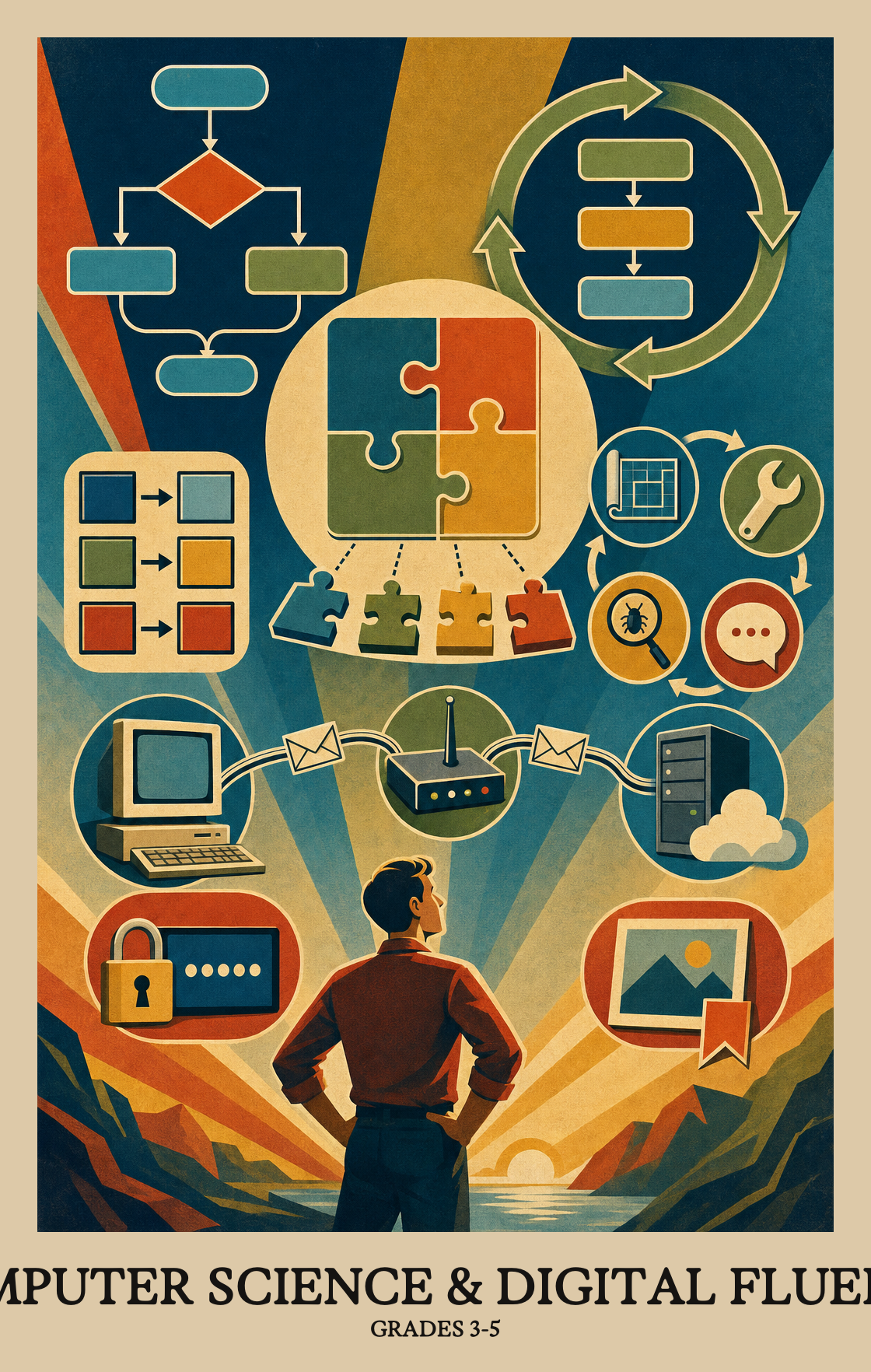
Students look at how the parts of a computer fit together with the software they run. They practice simple fixes when something freezes, won't connect, or won't print.
Students write programs that respond to clicks, repeat steps, and make choices based on what the user does. They start using variables to keep track of things like a score or a name.
Students break a big project into smaller steps and take turns playing roles like designer, coder, and tester. They try out a classmate's program, find what isn't working, and fix it.
Students collect information and turn it into charts and graphs that tell a clear story. They use what the data shows to make a point or predict what might happen next.
Students see how a message gets chopped into small pieces, sent across many devices, and put back together. They learn why strong passwords and careful sharing protect personal information.
Students talk about how phones, apps, and other tools have changed daily life and how those tools could work better for more people. They give credit when they remix someone else's code, music, or art.
Students look at two or more step-by-step solutions to the same problem, then decide which one works best and why. It's less about finding the "right" answer and more about learning that there's usually more than one way to solve a problem.
Students write simple programs where a variable, like a score or a name, holds information that can change as the program runs. Think of it as a labeled box that stores a value the program can update.
Students write programs that respond to clicks or keypresses, repeat steps automatically, and make choices based on simple rules, like "if the score reaches ten, show the winning screen."
Students break a big problem into smaller steps, then break those smaller steps down further if needed. It's the same idea as turning "clean your room" into "make the bed, then sort the toys, then hang up clothes."
Students take pieces of working code they already have and combine them to build something bigger or add a new feature to a program they are working on.
Students plan a program, share it with classmates for feedback, and then revise it. The goal is to improve the work by considering what others notice, not just what the original programmer intended.
Students credit the original creator when they borrow or build on someone else's code, the same way they'd cite a book report source. Using another person's work without permission or credit is off-limits.
Students run their program, look for steps that go wrong, and fix the mistakes until the program does what it was supposed to do.
Students take on different jobs when building a program with a group: one person might plan the steps, another write the code, and another test it to find mistakes.
Students explain why they made choices while building a program by adding written notes inside their code and showing how it works to others.
| Standard | Definition | Code |
|---|---|---|
| Picking the best way to solve a problem Grades 3-5 | Students look at two or more step-by-step solutions to the same problem, then decide which one works best and why. It's less about finding the "right" answer and more about learning that there's usually more than one way to solve a problem. | CA-3-5.AP.10 |
| Storing and changing data in programs Grades 3-5 | Students write simple programs where a variable, like a score or a name, holds information that can change as the program runs. Think of it as a labeled box that stores a value the program can update. | CA-3-5.AP.11 |
| Programs that use loops and conditionals Grades 3-5 | Students write programs that respond to clicks or keypresses, repeat steps automatically, and make choices based on simple rules, like "if the score reaches ten, show the winning screen." | CA-3-5.AP.12 |
| Breaking big problems into smaller steps Grades 3-5 | Students break a big problem into smaller steps, then break those smaller steps down further if needed. It's the same idea as turning "clean your room" into "make the bed, then sort the toys, then hang up clothes." | CA-3-5.AP.13 |
| Building programs from reusable parts Grades 3-5 | Students take pieces of working code they already have and combine them to build something bigger or add a new feature to a program they are working on. | CA-3-5.AP.14 |
| Planning programs with feedback from others Grades 3-5 | Students plan a program, share it with classmates for feedback, and then revise it. The goal is to improve the work by considering what others notice, not just what the original programmer intended. | CA-3-5.AP.15 |
| Giving credit when you use someone else's code Grades 3-5 | Students credit the original creator when they borrow or build on someone else's code, the same way they'd cite a book report source. Using another person's work without permission or credit is off-limits. | CA-3-5.AP.16 |
| Fix bugs until your program works Grades 3-5 | Students run their program, look for steps that go wrong, and fix the mistakes until the program does what it was supposed to do. | CA-3-5.AP.17 |
| Team roles in building a program Grades 3-5 | Students take on different jobs when building a program with a group: one person might plan the steps, another write the code, and another test it to find mistakes. | CA-3-5.AP.18 |
| Explain your coding choices out loud Grades 3-5 | Students explain why they made choices while building a program by adding written notes inside their code and showing how it works to others. | CA-3-5.AP.19 |
Students explain how devices like a keyboard, screen, or printer work together as one system. They trace how each part plays a role, from input to output.
Students learn how the physical parts of a computer (the screen, keyboard, and processor) and the programs running on it depend on each other to get something done, like typing a document or playing a game.
When a device freezes or a program stops working, students figure out what might fix it. They practice basic steps like restarting, checking connections, or closing an app to get things running again.
| Standard | Definition | Code |
|---|---|---|
| How computers connect to other devices Grades 3-5 | Students explain how devices like a keyboard, screen, or printer work together as one system. They trace how each part plays a role, from input to output. | CA-3-5.CS.1 |
| Hardware and software working together Grades 3-5 | Students learn how the physical parts of a computer (the screen, keyboard, and processor) and the programs running on it depend on each other to get something done, like typing a document or playing a game. | CA-3-5.CS.2 |
| Fixing hardware and software problems Grades 3-5 | When a device freezes or a program stops working, students figure out what might fix it. They practice basic steps like restarting, checking connections, or closing an app to get things running again. | CA-3-5.CS.3 |
Some files take up more space than others. A photo or video needs far more storage than a short text note, and a high-quality image needs more space than a blurry one.
Students gather information, arrange it into a chart or graph, and use what they see to back up a point they want to make. The visual makes the argument easier to follow.
Students look at information they have collected, then use it to spot patterns, guess what might happen next, or explain their thinking to others.
| Standard | Definition | Code |
|---|---|---|
| Why some files take up more space Grades 3-5 | Some files take up more space than others. A photo or video needs far more storage than a short text note, and a high-quality image needs more space than a blurry one. | CA-3-5.DA.7 |
| Turning data into charts that make a point Grades 3-5 | Students gather information, arrange it into a chart or graph, and use what they see to back up a point they want to make. The visual makes the argument easier to follow. | CA-3-5.DA.8 |
| Using data to spot patterns and make predictions Grades 3-5 | Students look at information they have collected, then use it to spot patterns, guess what might happen next, or explain their thinking to others. | CA-3-5.DA.9 |
Students look at inventions like smartphones or search engines and talk about how those tools changed daily life, and how the way people already lived shaped what those tools became.
Students think about how technology could work better for people who have different needs, like someone who can't hear audio or struggles to read small text, and suggest changes that would make it easier for everyone to use.
Students look at a piece of software or a digital tool and ask: who is left out? They learn that bringing in different voices makes the final product work better for more people.
Students learn why someone who makes a book, song, or artwork might not want others to copy or sell it without permission. They practice explaining the basic idea behind copyright in their own words.
| Standard | Definition | Code |
|---|---|---|
| How technology and culture shape each other Grades 3-5 | Students look at inventions like smartphones or search engines and talk about how those tools changed daily life, and how the way people already lived shaped what those tools became. | CA-3-5.IC.20 |
| Making tech work for everyone Grades 3-5 | Students think about how technology could work better for people who have different needs, like someone who can't hear audio or struggles to read small text, and suggest changes that would make it easier for everyone to use. | CA-3-5.IC.21 |
| Why different ideas make better programs Grades 3-5 | Students look at a piece of software or a digital tool and ask: who is left out? They learn that bringing in different voices makes the final product work better for more people. | CA-3-5.IC.22 |
| Why creators protect their work Grades 3-5 | Students learn why someone who makes a book, song, or artwork might not want others to copy or sell it without permission. They practice explaining the basic idea behind copyright in their own words. | CA-3-5.IC.23 |
When you send a message or photo online, it gets chopped into small chunks called packets, travels through several devices to reach its destination, and gets put back together on the other end. Students model how this works.
Students learn why passwords, locked screens, and privacy settings matter. They also look at physical steps, like not leaving a device where strangers can see it, that help keep personal information safe.
Students learn to create passwords and codes that keep private information safe from people who shouldn't see it.
| Standard | Definition | Code |
|---|---|---|
| How packets carry data across a network Grades 3-5 | When you send a message or photo online, it gets chopped into small chunks called packets, travels through several devices to reach its destination, and gets put back together on the other end. Students model how this works. | CA-3-5.NI.4 |
| Keeping personal information safe online Grades 3-5 | Students learn why passwords, locked screens, and privacy settings matter. They also look at physical steps, like not leaving a device where strangers can see it, that help keep personal information safe. | CA-3-5.NI.5 |
| Keeping your data private with patterns Grades 3-5 | Students learn to create passwords and codes that keep private information safe from people who shouldn't see it. | CA-3-5.NI.6 |
Students write small programs using loops, events, and conditions. They learn to break a big problem into smaller steps, fix what isn't working, and explain why they made the choices they did. Most of this happens in block-based tools like Scratch.
No. Most students start here with little or no coding background. The early work is about giving clear step-by-step instructions, which students already do when they explain a game or a recipe. The coding tools used in class are designed for beginners.
Ask students to walk through what their program is supposed to do, step by step, before they run it. When something breaks, ask what they expected to happen and what actually happened. That habit of slowing down and checking is most of what debugging is.
Start with sequences and events, then add loops, then conditions, then variables. Bring in decomposition and debugging from day one, since students need them for every project. Save remixing and collaboration roles for the second half, once students can read each other's code.
Students can plan a small project, build it with loops, events, conditions, and a variable, and fix it when it breaks. They can explain their choices out loud or in code comments, give credit when they reuse someone else's work, and take feedback from a partner.
Students learn that information travels across the internet in small pieces that get put back together at the other end. They also practice protecting personal information with strong passwords and safe habits, and they talk about why creators set rules for how their work can be used.
Conditions and variables. Students often write a condition that never triggers, or change a variable without realizing it. Plan for short debugging warm-ups where students predict what a piece of code will do before running it, then explain any surprises.
They should be able to take a project idea, break it into parts, and build a working version using loops, conditions, and at least one variable. They should also be comfortable testing, fixing bugs, and explaining their code to someone else without panic.
It helps but isn't required. Most classroom tools run in a web browser and save work online, so students can pick up where they left off at school. A library computer or a shared family device for 20 minutes a week is plenty for extra practice.