Coming up with ideas
Students start the year by gathering ideas for their own videos, photos, sounds, and digital projects. They learn that a good media project begins with a clear idea pulled from things they care about.
This is the year media projects start to feel planned instead of random. Students come up with their own ideas for short videos, audio clips, or digital images, then shape them with a clear purpose in mind. They learn to tie their work to their own lives and to what they see in the world around them. By spring, students can plan a small media project, revise it after feedback, and explain what they wanted viewers to feel or understand.
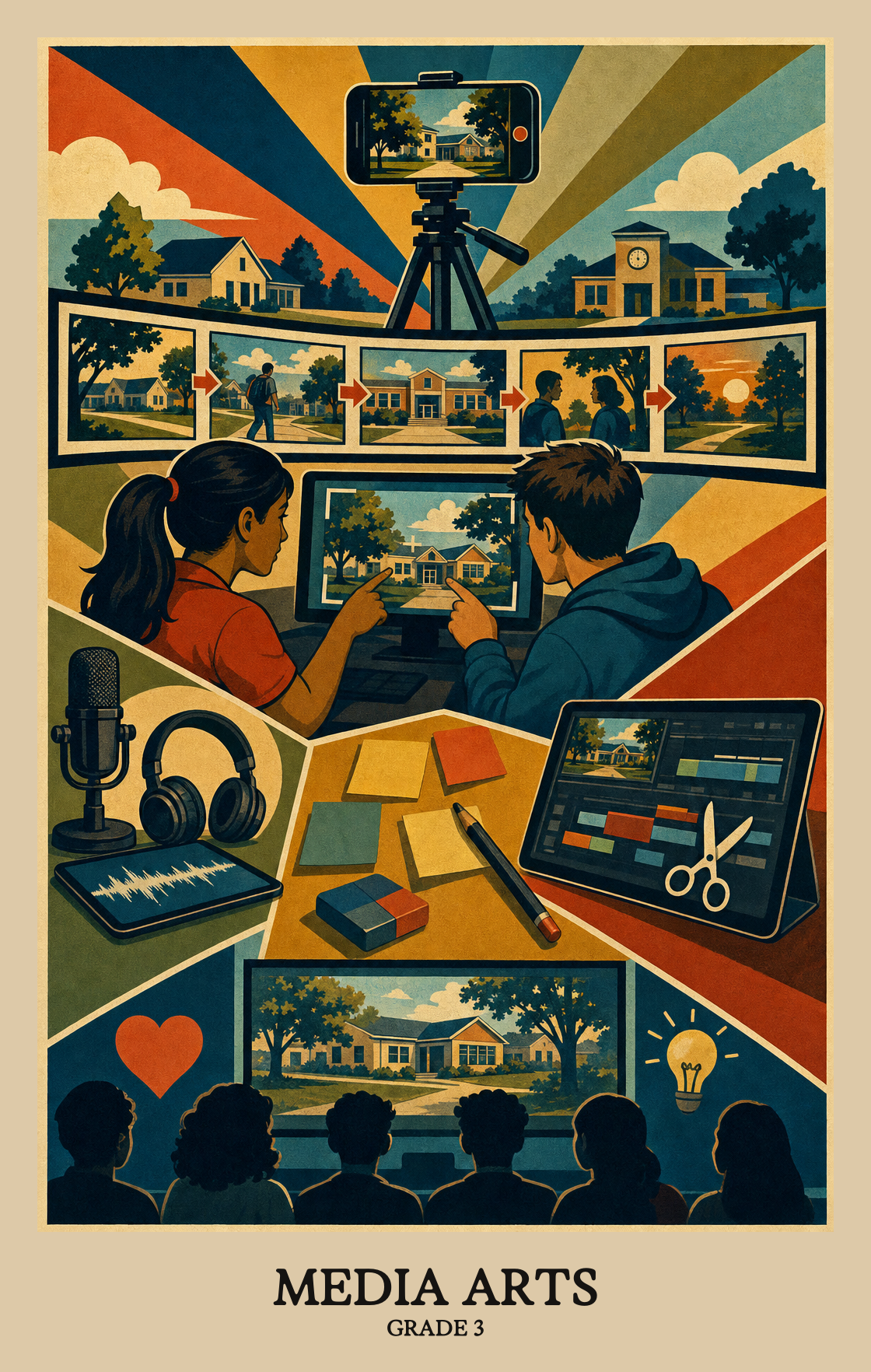
Students start the year by gathering ideas for their own videos, photos, sounds, and digital projects. They learn that a good media project begins with a clear idea pulled from things they care about.
Students put their ideas into action using tools like cameras, recorders, drawing apps, or simple editing software. They learn to organize the parts of a project, such as pictures, words, and sound, so it holds together.
Students take a second look at what they made and decide what to fix. They practice the technical side, like trimming a clip or cleaning up a sound, so the final piece looks and sounds the way they wanted.
Students choose which projects to show and think about how to present them so the message comes through. They consider the people watching and what those viewers should notice or feel.
Students wrap up the year by studying videos, ads, songs, and images made by others. They talk about what the maker was trying to say, how it connects to real life, and whether it worked.
Students connect something from their own life to a media arts project, using that personal experience to shape what they make and how they make it.
Students look at media art pieces and ask where, when, and why someone made them. Connecting a project to its time and place helps students understand what the work is really saying.
| Standard | Definition | Code |
|---|---|---|
| Making art from what you know and feel | Students connect something from their own life to a media arts project, using that personal experience to shape what they make and how they make it. | MA:Cn10.3 |
| Art reflects the world around us | Students look at media art pieces and ask where, when, and why someone made them. Connecting a project to its time and place helps students understand what the work is really saying. | MA:Cn11.3 |
Students brainstorm ideas for a media art project, such as a short video, a photo, or a digital drawing, before they start making it.
Students plan and arrange their media art project before finishing it, deciding how images, sound, or movement fit together to tell a clear story or idea.
Students revise a media project based on feedback, making deliberate choices about what to keep, cut, or change before calling the work finished.
| Standard | Definition | Code |
|---|---|---|
| Brainstorm ideas for media art | Students brainstorm ideas for a media art project, such as a short video, a photo, or a digital drawing, before they start making it. | MA:Cr1.3 |
| Turning ideas into finished artwork | Students plan and arrange their media art project before finishing it, deciding how images, sound, or movement fit together to tell a clear story or idea. | MA:Cr2.3 |
| Finish and polish a media artwork | Students revise a media project based on feedback, making deliberate choices about what to keep, cut, or change before calling the work finished. | MA:Cr3.3 |
Students choose which of their media projects to share and explain why that piece best shows what they were going for.
Students practice and improve a media project, like a short video or digital image, until it is ready to share with an audience.
Students choose how to share a media project (a photo, video, or digital image) so the idea behind it comes through clearly to an audience.
| Standard | Definition | Code |
|---|---|---|
| Choosing art to share with others | Students choose which of their media projects to share and explain why that piece best shows what they were going for. | MA:Pr4.3 |
| Improve your work before sharing it | Students practice and improve a media project, like a short video or digital image, until it is ready to share with an audience. | MA:Pr5.3 |
| Share artwork that means something | Students choose how to share a media project (a photo, video, or digital image) so the idea behind it comes through clearly to an audience. | MA:Pr6.3 |
Students look closely at a media artwork, like a photo, video, or digital image, and describe what they notice: the colors, shapes, sounds, or messages the creator used to make it.
Students look at a media artwork, such as a photo, video, or animation, and explain what they think the creator was trying to say or show.
Students look at a piece of media art and decide if it works, using a simple checklist or set of questions as their guide.
| Standard | Definition | Code |
|---|---|---|
| Noticing what makes a media image work | Students look closely at a media artwork, like a photo, video, or digital image, and describe what they notice: the colors, shapes, sounds, or messages the creator used to make it. | MA:Re7.3 |
| Finding meaning in media art | Students look at a media artwork, such as a photo, video, or animation, and explain what they think the creator was trying to say or show. | MA:Re8.3 |
| Judging whether art works and why | Students look at a piece of media art and decide if it works, using a simple checklist or set of questions as their guide. | MA:Re9.3 |
Media arts means making things like short videos, animations, photo stories, podcasts, or simple digital drawings. Students learn to plan an idea, put it together with tools like a camera or tablet, and share it with an audience.
By spring, students should be able to plan a short media project, like a 30-second video or an audio story, and finish it from start to end. They should also be able to talk about what they made, why they made it that way, and what they would change.
Let students use a phone or tablet to record a short story, make a stop-motion video with toys, or take photos that tell a story across the day. Ask them what they want the viewer to feel, then watch it together and ask what worked.
No. A basic phone or tablet camera is plenty. Free apps for video, audio recording, and slideshows cover everything students need at this age.
A common path is to start with short, single-tool projects in the fall, such as a photo story or a 15-second video. Move into multi-step projects with planning, recording, and editing by winter, then end the year with a project students revise based on feedback.
Planning before recording is the sticking point. Students want to grab the camera and go. Building in a quick storyboard or shot list, even three boxes on a sticky note, pays off across every project that follows.
Media projects pull in writing, reading, social studies, and science. A student making a short video about their neighborhood is also writing a script, sequencing events, and citing what they saw. It is a strong way to show learning from other parts of the day.
Slow it down to one step. Ask what the project is about in one sentence, then look at just the next shot or the next line of narration. Most frustration at this age comes from trying to fix everything at once.
Students should be ready to move on when they can take an idea from a rough plan to a finished piece, give a clear reason for the choices they made, and use simple criteria to judge their own work and a classmate's.